
JARA Motor Control on your phone
Configure, tune, and monitor your Jara controller from your phone — over the controller’s Wi-Fi or Bluetooth. Get it from the App Store on iPhone, or download the APK directly on Android.
On this page
Get the app
Direct APK download
Installs straight from this site — signed by Jara, no Google account needed.
App Store
Search “Jara Motor” in the App Store, or use the link below — free, with automatic updates.
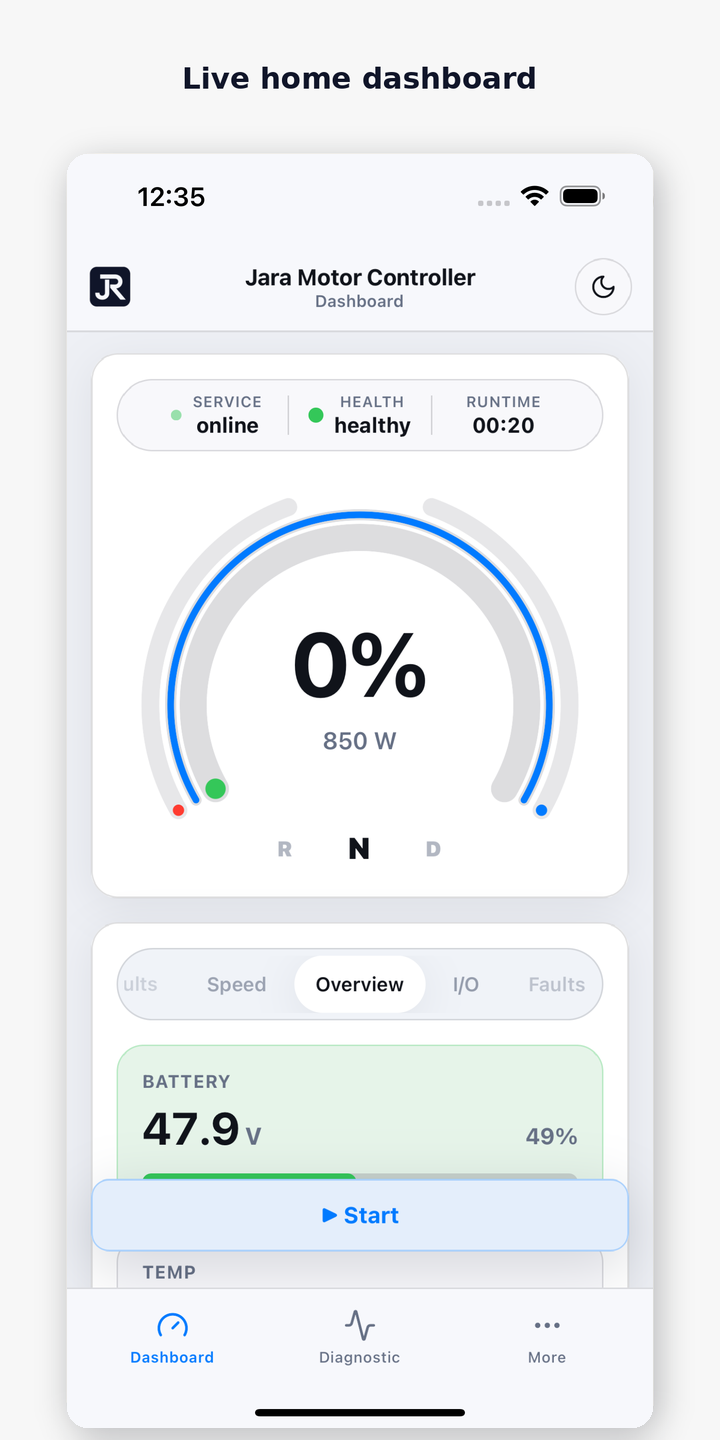
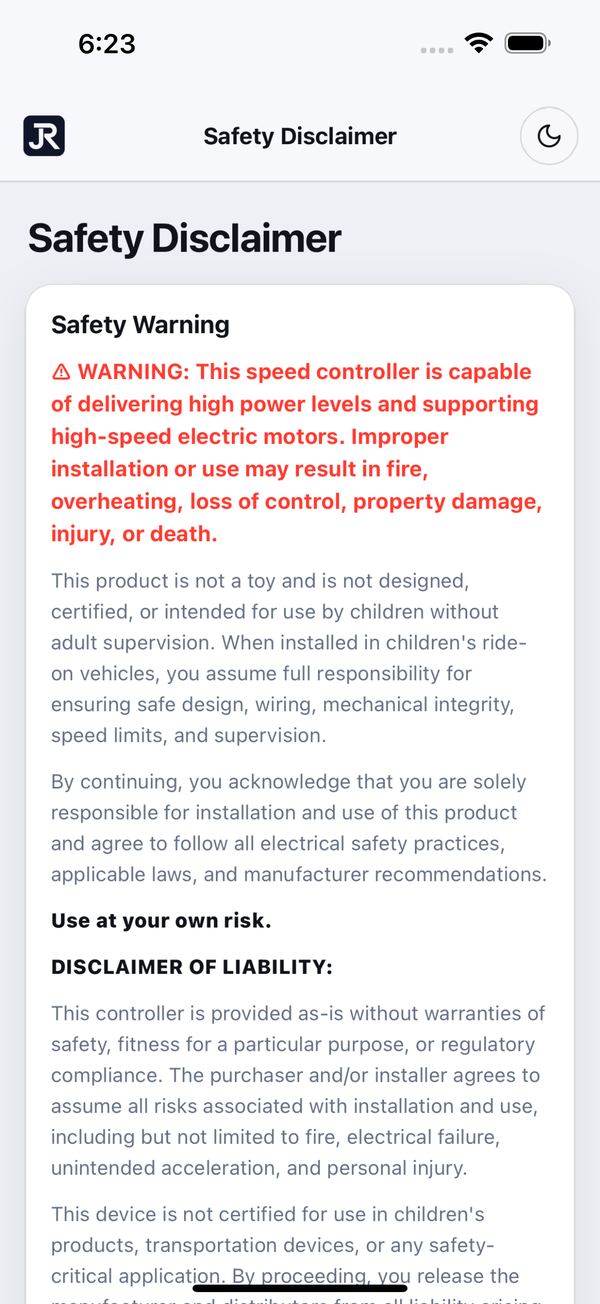
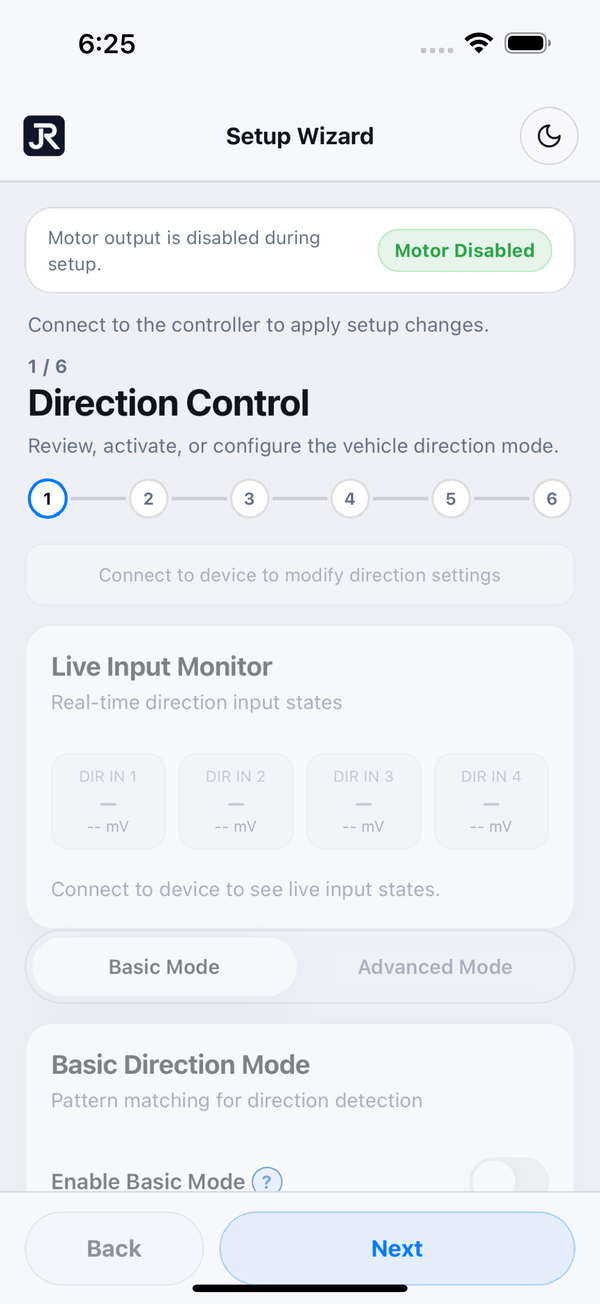
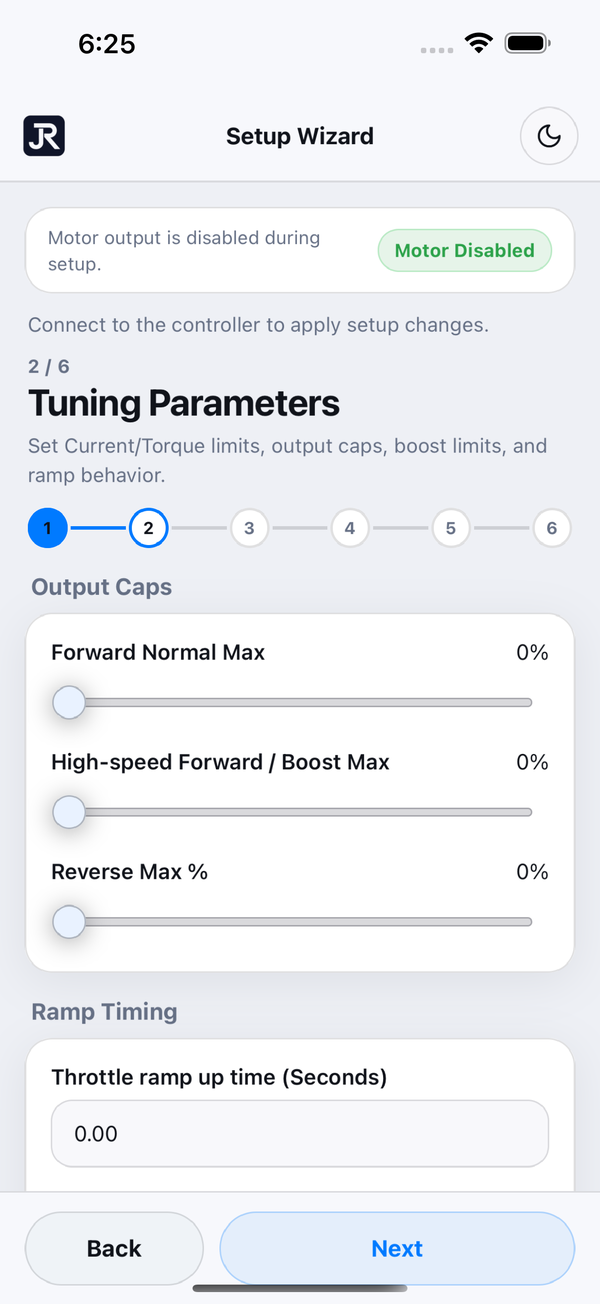
A guided first run
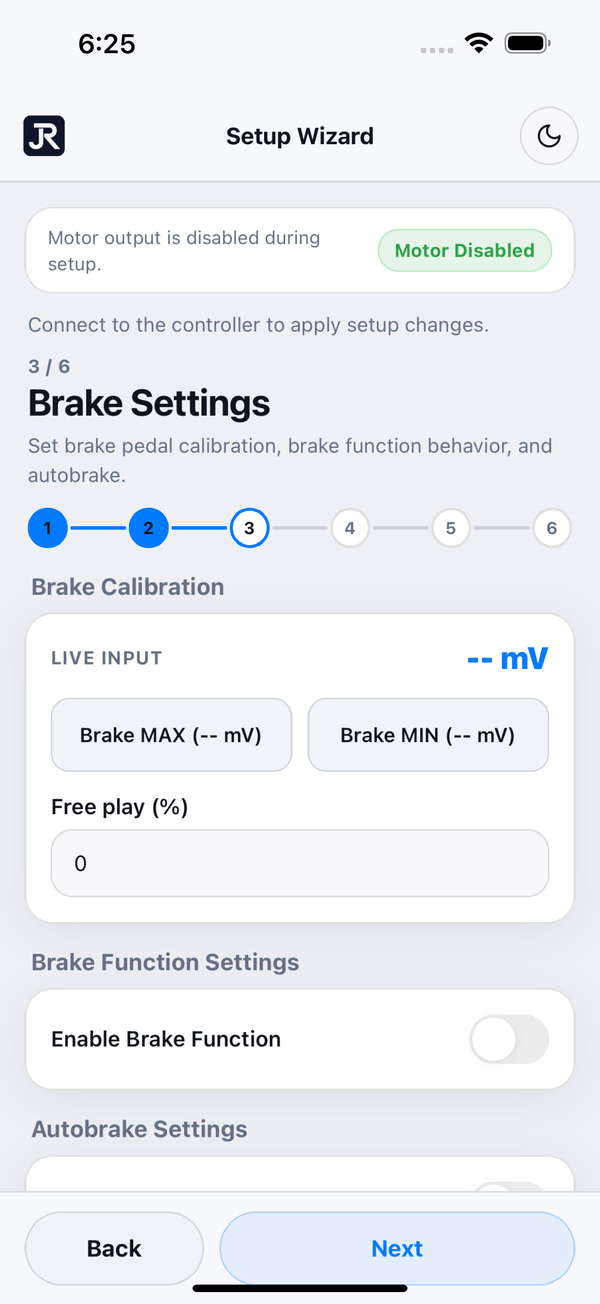
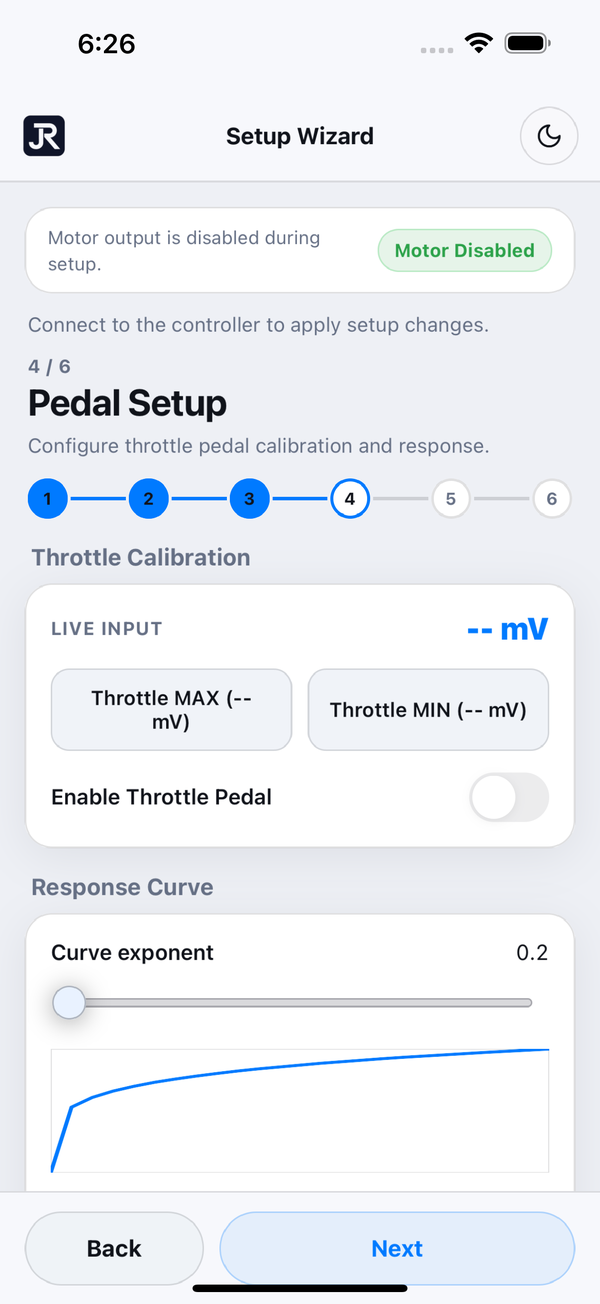
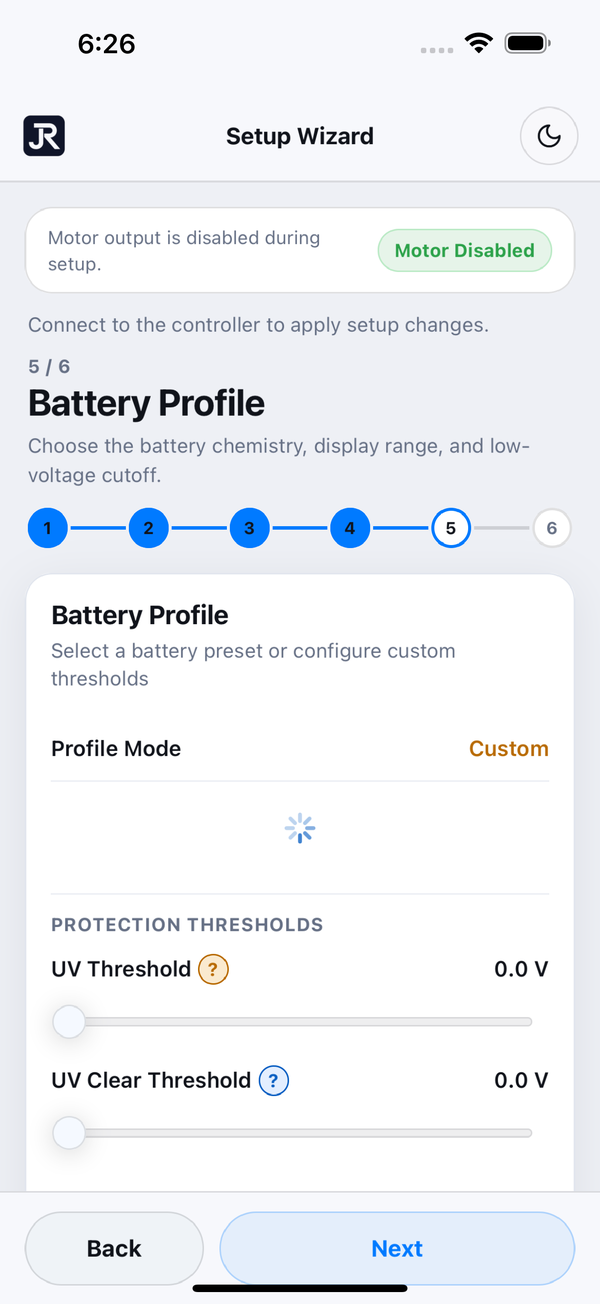
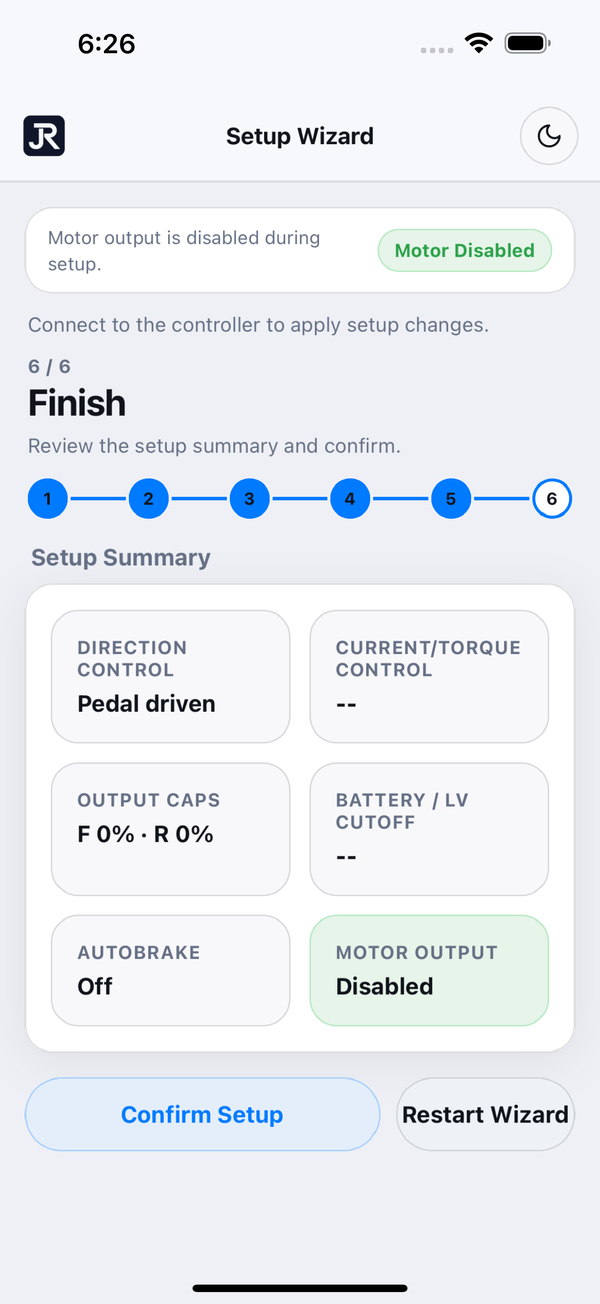
First launch walks you through setup — motor direction, drive tuning, brakes, pedal calibration, and battery profile — so the controller is dialed in before you drive.
Install on Android
Download the APK on your phone
Tap the download button above. Your browser may ask to confirm — keep the file.
Open the downloaded file
Open it from the download notification, or find it in your Files app under Downloads.
Allow the install
The first time, Android asks you to allow installs from your browser (“Install unknown apps”). Turn it on and go back — this is normal for apps that ship outside the Play Store.
Install and open
Confirm the install (Play Protect may scan the app first), then open JARA Motor Control from your home screen.
Only download the APK from this page, and check the app ID reads com.jara.tech.motor.controller during install. If you previously installed the app through Google Play testing, uninstall that copy first — the two are signed differently and Android won’t update across them.
Install on iPhone
Open the App Store listing
Tap the App Store button above on your iPhone, or search for Jara Motor in the App Store.
Tap Get
The app is free. Confirm with Face ID, Touch ID, or your Apple ID password and it lands on your home screen.
Stay up to date
Updates arrive through the App Store like any other app — turn on automatic updates and you’re always current.
Already on the earlier TestFlight beta? Installing from the App Store replaces it — you can then leave the beta in the TestFlight app.
Requirements
Why direct install?
We ship the app the same way we ship firmware: directly. New releases reach you the moment they’re ready, and the app stays in step with your controller’s firmware and the web flasher.
On Android that means installing a Jara-signed APK from this page — grab the latest version here whenever you want to update. On iPhone, Apple requires apps to install through its own channels, so the app ships through the App Store: same app, same features, with updates delivered by Apple. Questions or trouble installing? We’re happy to help.